Everything Charges the Same Now — So Why Are You Still Buying Overpriced Cables?
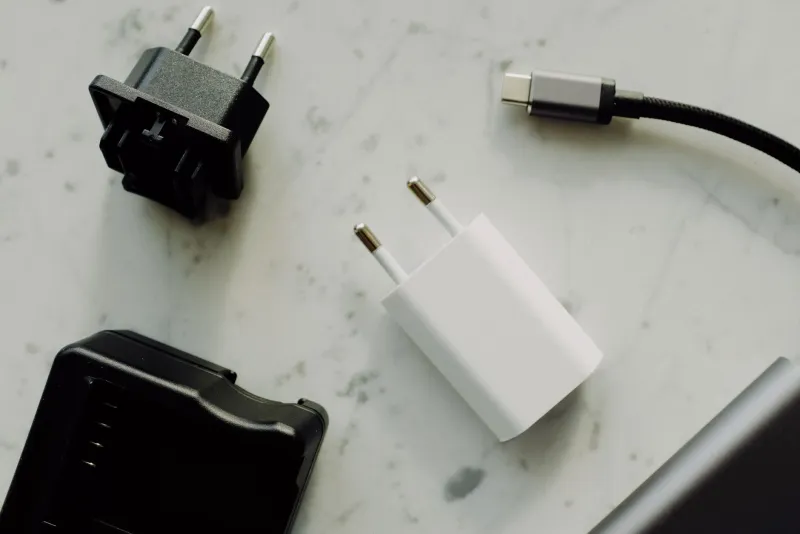
Look at the cable situation behind your TV, in your junk drawer, or dangling from your car's center console. If you're like most American households, you've got a museum exhibit: the old 30-pin iPhone cable, a Micro-USB from a Kindle you donated in 2019, a Mini-USB from a camera nobody remembers buying, and a tangled nest of USB-A to USB-C cords of questionable origin.
The good news: that museum is closing. USB-C is on track to be the last charging port most of us ever need to think about. The bad news: not all USB-C cables are created equal, and the pricing on identical-looking ones is genuinely absurd. Let's sort it out.
Why USB-C Won
The European Union essentially forced the issue, mandating USB-C charging on most phones, tablets, and laptops sold there — which, given how global supply chains work, meant Apple dropped the Lightning port on iPhones starting with the iPhone 15. But the shift was already underway: Android phones moved to USB-C years ago, iPads followed, and laptops have used it for charging since Thunderbolt 3 became standard.
For shoppers, the endgame is simple: one cable type for your phone, laptop, tablet, earbuds case, and yes, increasingly even things like flashlights and dash cams. Buy one good multi-pack, and you're covered across the board.
What's Safe to Keep From Your Cable Drawer
Before you toss everything, know this: USB-A to USB-C cables are still perfectly fine for slower charging and older wall adapters. If you've got a USB-A brick from 2016, pair it with an A-to-C cable and you'll charge your phone — just slowly.
Keep these:
- A-to-C cables in good condition for cars, older chargers, and backup duty
- C-to-C cables from reputable brands — they'll handle most modern charging
- Any cable rated for your device's wattage (more on that below)
Retire these:
- Micro-USB and Mini-USB, unless a device you own still needs them
- Any cable with fraying, exposed wire, or a loose connector — a damaged cable is a fire risk, not a nostalgia item
- No-name cables from gas stations and dollar-store bins. Cheap, uncertified USB-C cables have historically lacked proper resistors and, in the worst cases, damaged devices. If you can't trace where it came from, it's not worth the risk to a $1,000 phone.
The Confusing Part: Identical Cables, Wildly Different Specs
Here's where shoppers get burned. Two USB-C cables can look exactly the same — same braided nylon, same connector — while one charges a laptop at 100W and the other maxes out at 60W. One carries video to a monitor; the other doesn't. One does USB 3.0 speeds; the other crawls along at USB 2.0.
What actually matters:
- Wattage rating: Phones need 20–45W. Tablets want 30–60W. Laptops need 60–100W, and some gaming rigs push 140W. Check the cable's packaging for its rating — if there's no rating listed, assume it's a basic 60W cable at best.
- USB-IF certification: The official USB Implementers Forum logo means the cable passed compliance testing. Anker, Belkin, Ugreen, and Amazon Basics cables at similar price points are all solid picks.
- Thunderbolt labeling: Thunderbolt 3/4/5 cables (usually marked with a lightning bolt) are the premium tier — full speed, full power, video out. Great, but overkill for charging a phone.
- Video support: Want to connect a phone or laptop to a monitor over USB-C? The cable must explicitly support DisplayPort Alt Mode. Most cheap cables don't.
What You Should Actually Buy
You don't need a cable collection. You need a small, deliberate kit:
- Two 100W C-to-C cables — one for your desk, one for your bag. These handle every device you own, including laptops.
- One short cable (under 1 ft) for power banks and travel, where long cables just become clutter.
- One A-to-C cable for the car and any legacy charger still kicking around.
- A compact GaN wall charger with USB-C ports if you're still using the chunky brick that came with your laptop in 2017. These are dramatically smaller and can charge a laptop and phone from one outlet.
Total damage for that setup from a reputable brand: usually $30–50. Compare that to a single first-party cable from a laptop maker, which can run $40–70 for the exact same job.
The Bottom Line
The USB-C era is genuinely good news for your wallet: fewer cables, fewer chargers, one standard. The trap is overpaying for specs you don't need or underpaying for cables that can't safely deliver power. Check the wattage, stick to known brands, buy fewer and better — and maybe, finally, clear out that drawer.